Sign PDFs & Images
Effortlessly
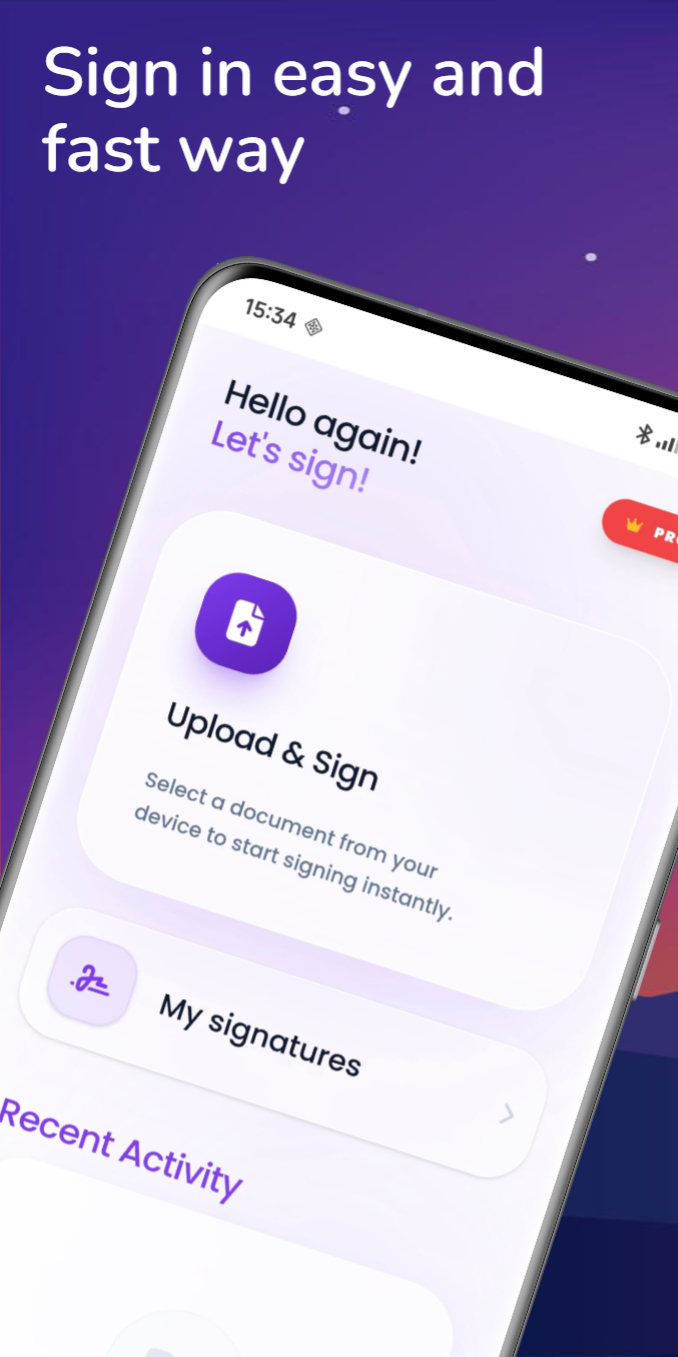
The simplest way to sign your documents. Create, save, and apply digital signatures in seconds — all from your Android device. Over 1,000+ downloads with a 5-star rating on Google Play. 100% offline, 100% private.
Why choose Signis! for signing documents on Android?
According to the Pew Research Center, 85% of Americans own a smartphone, and mobile document signing is growing 24% year-over-year. The Adobe Sign Statistics report shows that 70% of businesses now use electronic signatures. Signis! brings professional-grade document signing to your Android device — no subscription, no cloud uploads, and no internet required. Unlike competitors like Adobe Acrobat or DocuSign that require paid plans for basic signing, Signis! is completely free and processes everything locally on your device for maximum privacy. The European Commission recognizes electronic signatures as legally valid across the EU.
Everything you need to sign documents
Signis! gives you the tools to create, manage, and apply digital signatures on any PDF or image — fast, secure, and easy to use.
Sign PDFs Instantly
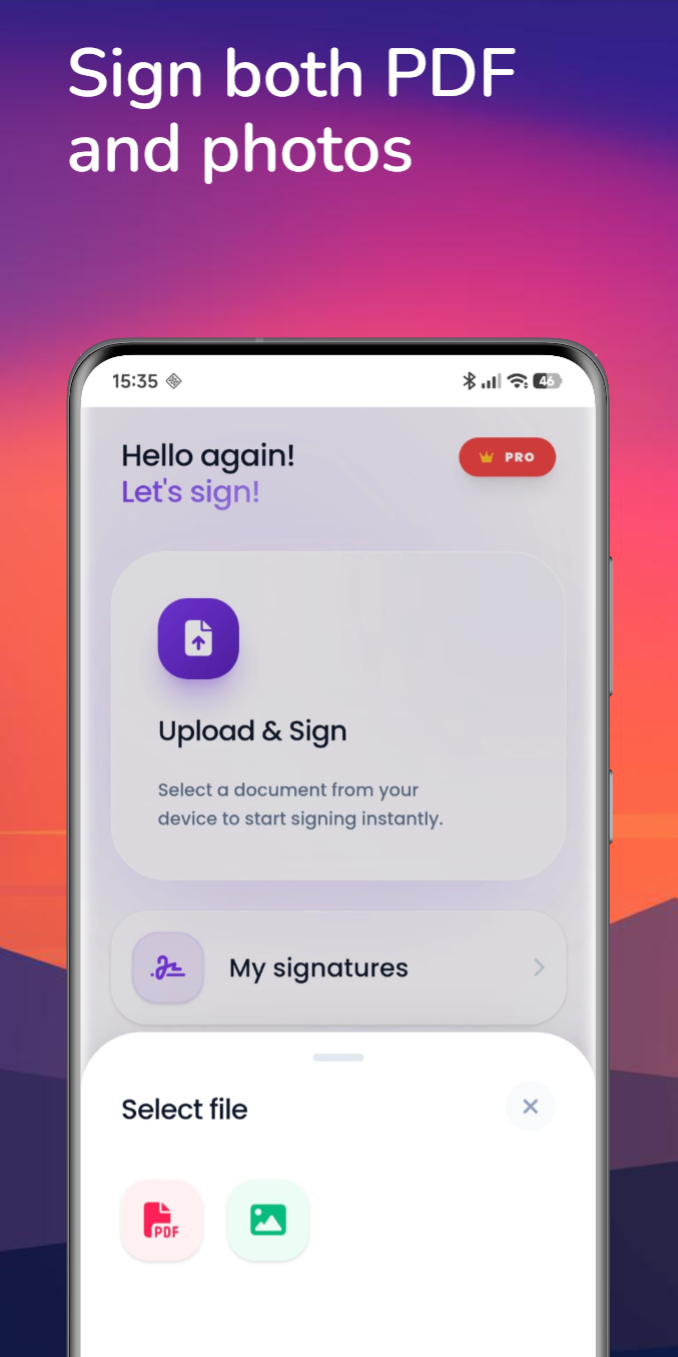
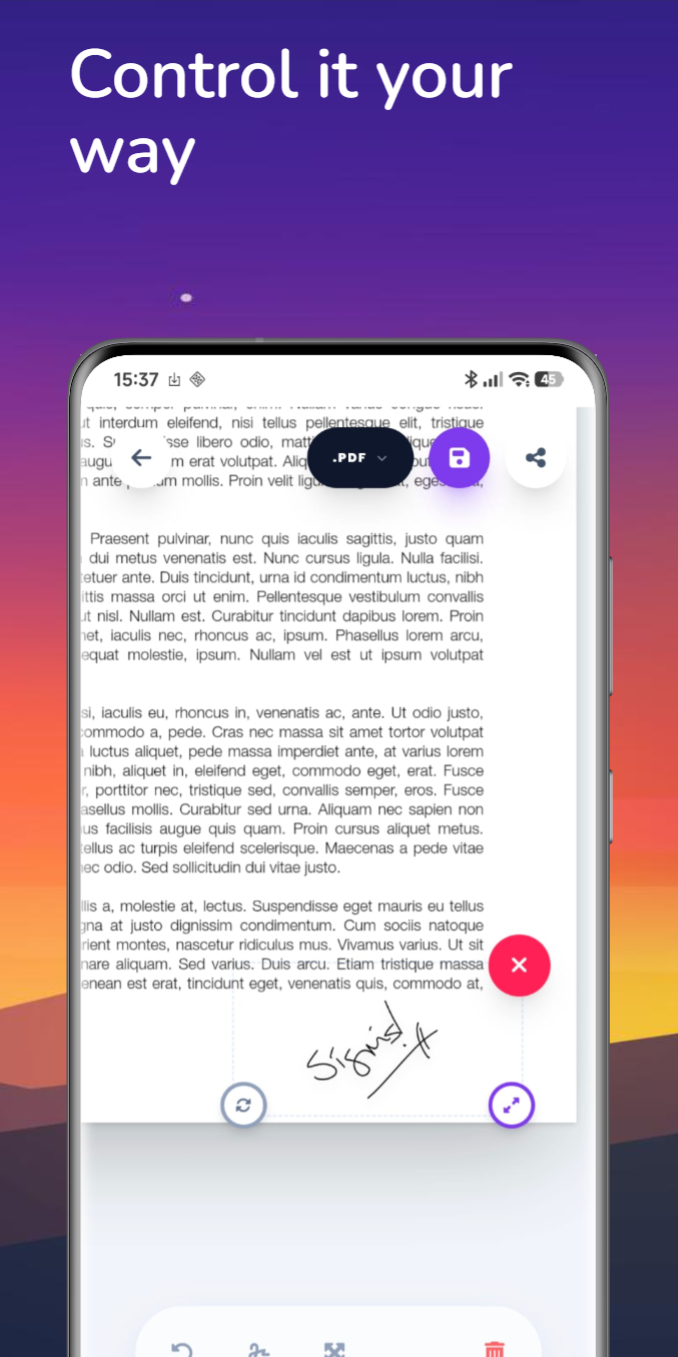
Draw, type, or upload your signature and apply it to any PDF document with just a few taps.
Sign Images Too
Not just PDFs — sign any image file directly. Perfect for contracts, receipts, and forms captured as photos.
CV Creator
Build professional resumes and CVs in minutes with 5 beautiful templates. Export as PDF ready to send.
Watermark Photos
Protect your images with custom text or logo watermarks. Perfect for photographers and creators.
Batch Watermarking
Apply the same watermark to multiple photos at once. Save time while protecting all your work. (PRO)
PDF Tools
Merge, split, compress, and convert PDFs. All your PDF utilities in one convenient app.
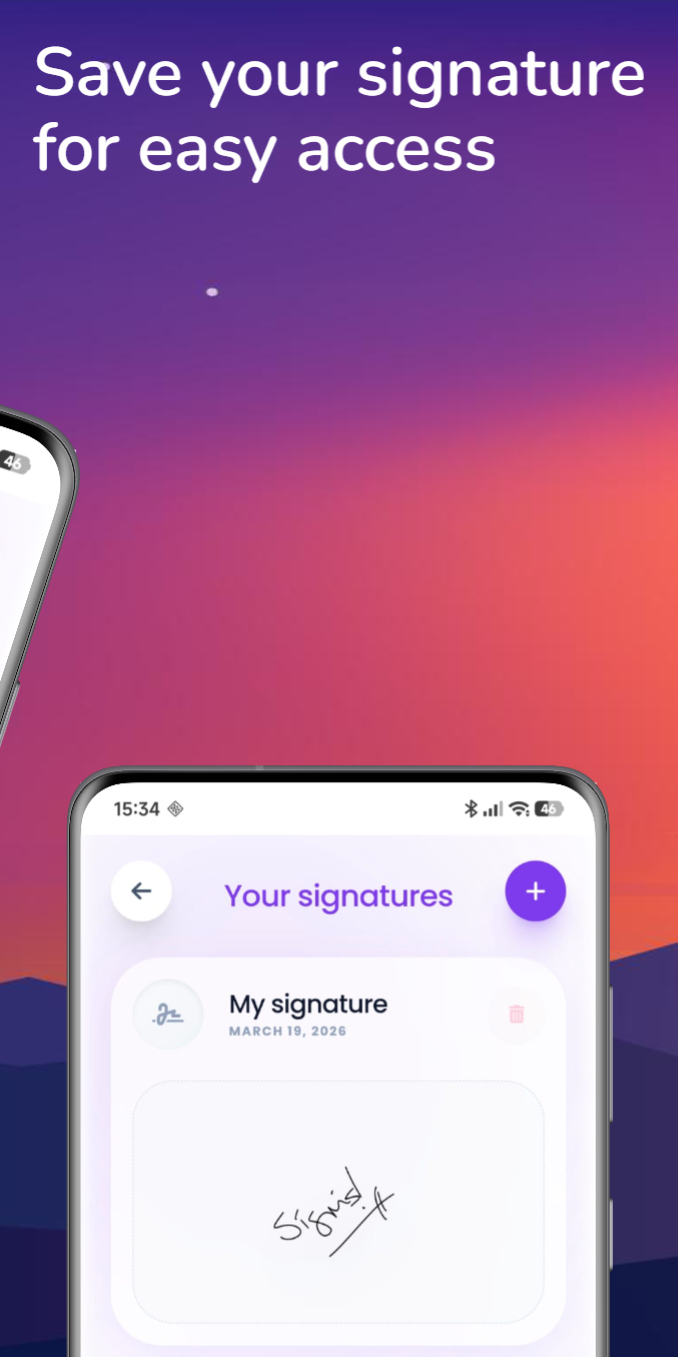
Save & Reuse Signatures
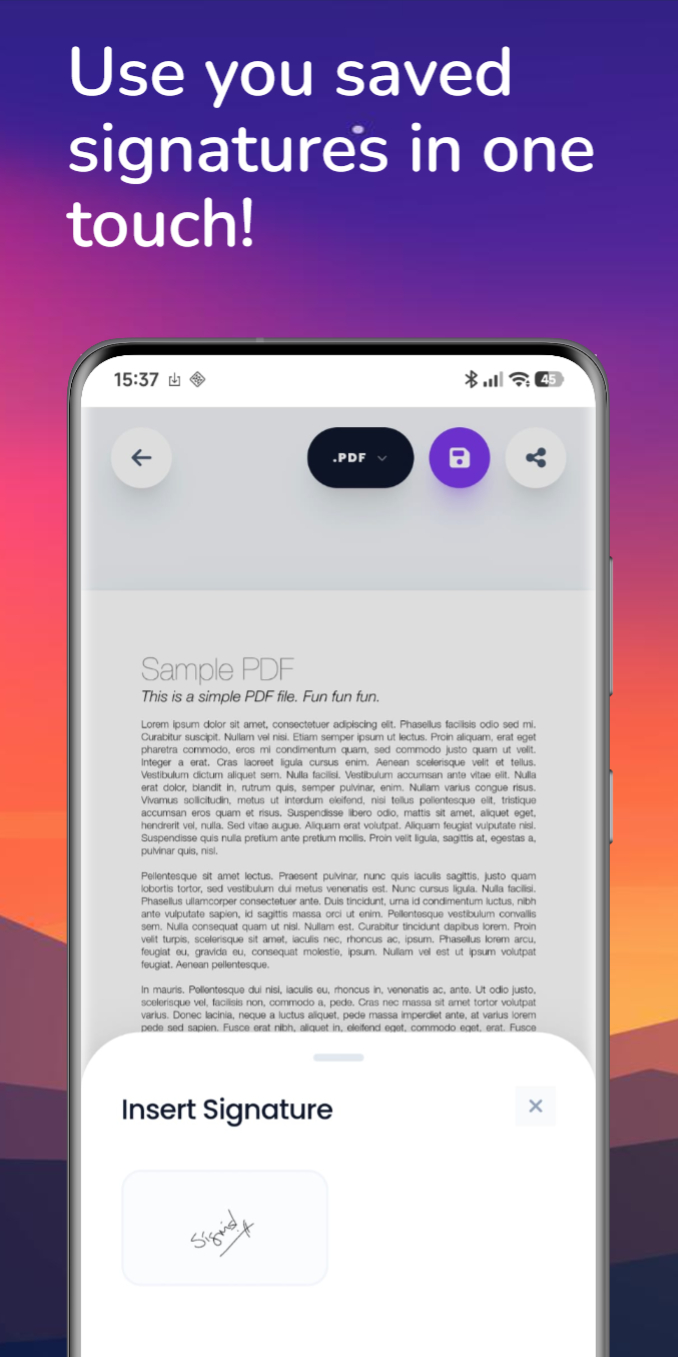
Create your signature once and save it. Reuse it across all your documents without redrawing.
Private & Secure
Your documents and signatures never leave your device. Everything is processed locally — zero cloud uploads.
Lightning Fast
Lightweight and optimized for performance. Open, sign, and share documents in seconds — no lag, no waiting.
Works Offline
No internet connection required. Sign documents anywhere, anytime — on a plane, in the field, or off-grid.
Learn how to get the most out of Signis!
Step-by-step guides to help you sign documents, create professional CVs, and protect your photos.
How to Sign a PDF on Android Without a Subscription
Learn how to sign PDFs on your Android device for free — no subscription required. Works completely offline.
The Fastest Way to Build a Professional CV on Your Phone
Create a professional, job-winning CV directly from your phone. Perfect for job seekers who need a resume fast.
How to Protect Your Photos: A Guide to Mobile Watermarking
Protect your photos and brand your work with custom watermarks. Essential for photographers and freelancers.
Sign documents in 3 simple steps
No complicated setup. No account required. Just open, sign, and share.
Open Your File
Select any PDF or image from your device. Browse your files or use the share menu from another app.
Apply Your Signature
Draw a new signature, pick a saved one, or type your name. Position and resize it exactly where you need.
Save & Share
Export your signed document and share it via email, messaging, or cloud storage — all from one tap.
Frequently Asked Questions
Yes, Signis! is free to download and use. We focus on providing a clean and fast environment for your documents without complicated subscriptions.
Absolutely! Signis! supports signing both PDF documents and image files (JPEG, PNG, etc.). Whether it's a contract, a receipt photo, or a scanned form — you can sign it.
Yes, Signis! works entirely offline. Your documents and signatures never leave your device and no internet connection is needed for any functionality.
Yes! You can create and save as many signatures as you need — different styles, initials, or full names. Switch between them quickly when signing documents.
Your privacy is our priority. All document processing happens locally on your device. We don't upload, store, or access your files in any way. Your data stays yours.
Signis! supports Android 7.0 (Nougat) and above, covering the vast majority of Android devices currently in use.
Ready to start signing?
Download Signis! and start signing your PDFs and images in seconds. No account needed, no hidden fees, no limits.